
Landing Page
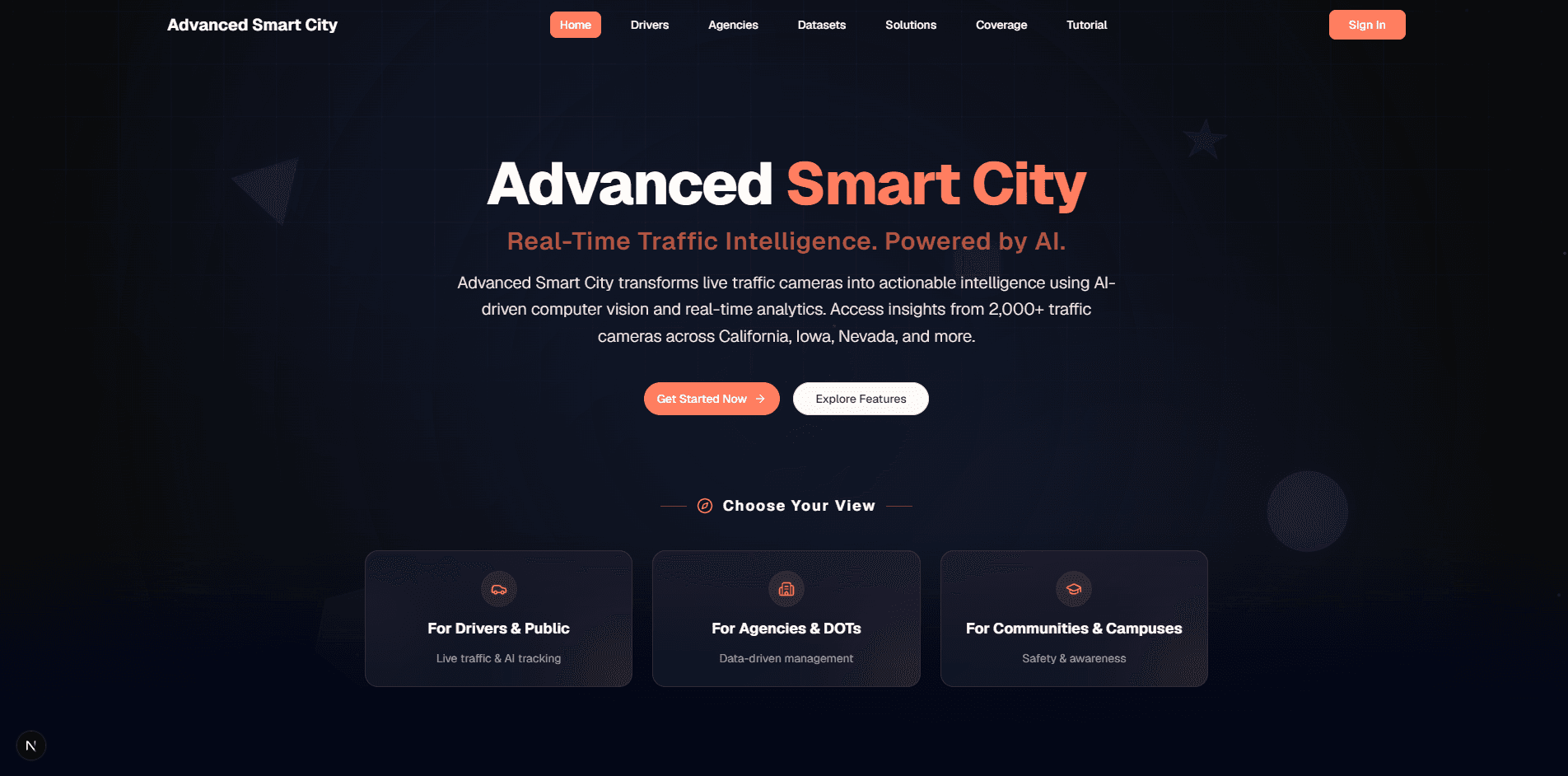
The Landing Page is the initial screen displayed when users launch the Advanced Smart City application. It serves as the application's welcome page, introducing users to its purpose, features, and services. From the Landing Page, users can learn about the application and navigate to other sections, such as signing in or accessing available features.
What is the Landing Page
The Landing Page is the first screen displayed when users launch the application. It serves as the application's entry point, introducing users to its purpose, features, and services. In addition to providing essential information, the Landing Page guides users to key sections of the application and encourages them to perform actions such as signing in, creating an account, or exploring the available features. A well-crafted landing page can significantly improve conversion rates and user retention.
Key Features
The Landing Page provides quick access to the application's primary sections and serves as the main navigation hub. Its key components include:
- Header and Title
- Displays the application name and provides a brief introduction to the Advanced Smart City platform.
- Home
- Returns users to the main Landing Page.
- Drivers
- Introduces live traffic monitoring features designed to help drivers and the general public access real-time traffic information.
- Agencies
- Presents traffic analytics and insights that support government agencies and transportation authorities in monitoring and managing traffic conditions.
- Datasets
- Provides access to curated public datasets available for purchase and research purposes.
- Solutions
- Highlights customized smart city solutions for campuses, businesses, and industries.
- Coverage
- Displays the geographic coverage of the application's traffic camera network across the United States.
- Tutorial
- Provides guidance and learning resources to help users understand and effectively use the application's features.
- Log In / Register
- Allows existing users to sign in to their accounts or create a new account to access personalized features and services.